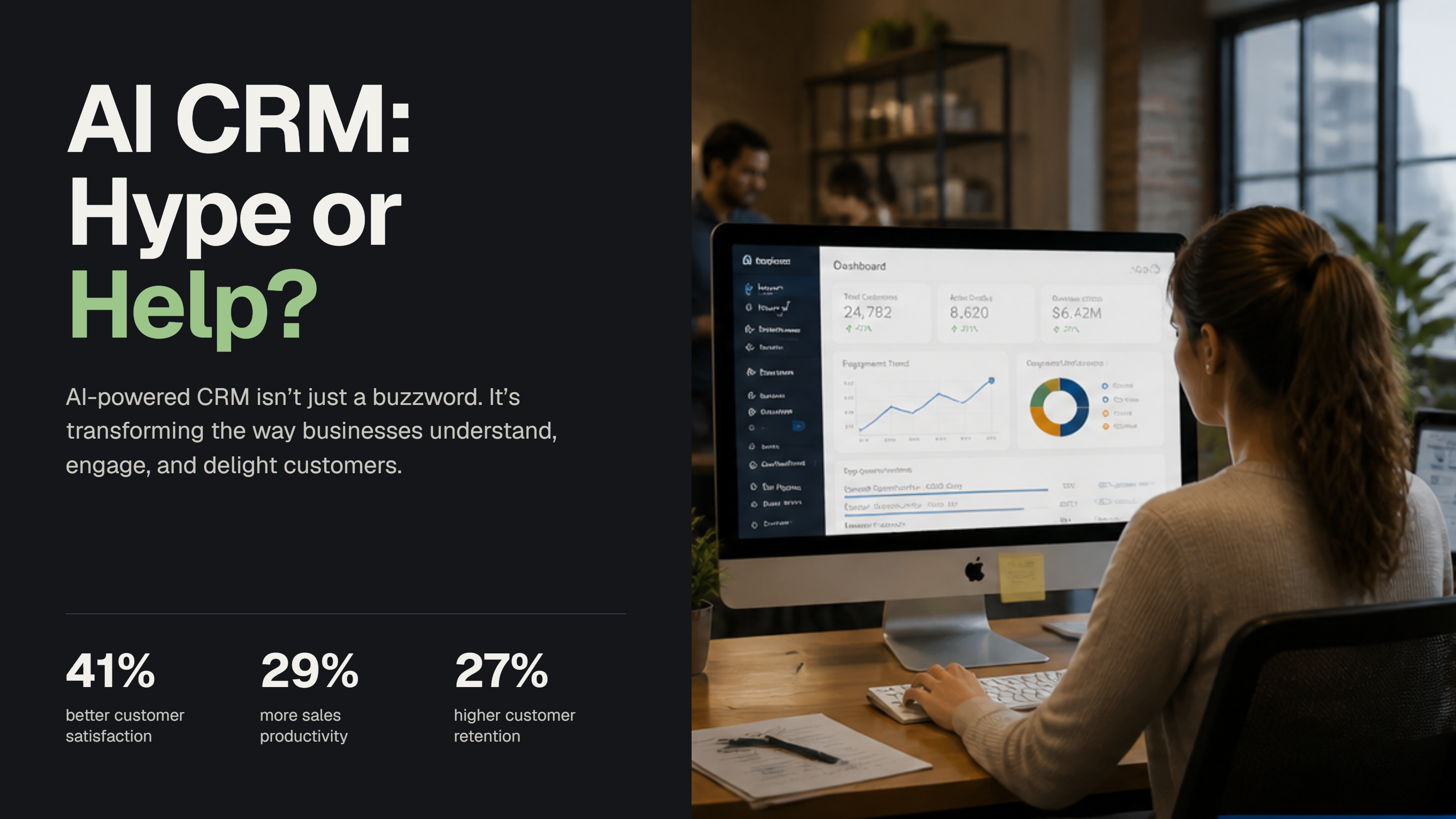
Every CRM now calls itself an AI CRM. Here's what AI in a CRM actually does, what it really costs, the red flags buyers report, and how to test one before you sign.
Every CRM now calls itself an AI CRM. Here's what AI in a CRM actually does, what it really costs, the red flags buyers report, and how to test one before you sign.
Every CRM now calls itself an "AI CRM". Your software renewal mentions it, sales emails promise it, and you are left wondering whether it is real or just a new label on the same tool.
The honest answer sits in between. AI in a CRM can save your team real hours, but only in specific places, and only when the data underneath is in good shape. This guide explains what an AI CRM is, what it actually does day to day, where it falls short, and how to decide whether your business needs one.
A quick note before we start: Axisero builds custom CRMs. We don't sell or resell any of the tools named in this guide, so we have no reason to favour one.
An AI CRM is a customer relationship management system with artificial intelligence built into the daily work. Instead of only storing contacts and deals, it captures information for you, suggests the next step, drafts routine messages and flags what needs attention. A person still decides. The system does the busywork.
In simple terms, a traditional CRM shows you what happened. An AI CRM helps you act on it faster.
AI is everywhere in business, except, oddly, inside the CRM.
So the gap is not interest. Most teams simply have not found AI that fits how they actually work.
And the shift is speeding up. Gartner predicts that 40% of enterprise applications will include task-specific AI agents by the end of 2026, up from less than 5% in 2025. Your CRM is very likely to be one of them.
You will also see the term agentic CRM. An AI CRM suggests and drafts, and a person clicks approve. An agentic CRM goes a step further: AI agents carry out multi-step tasks on their own, such as qualifying a lead, booking a meeting and updating the record. For most growing businesses, the safe starting point is an AI CRM with a human approving anything a customer sees, then letting agents take over low-risk tasks once you trust them.
Forget the marketing. These are the practical uses that save time in a growing business:
Fills in the CRM for you. Contact details, notes and next steps are pulled from emails, forms and call summaries, so records stay complete.
Replies to new enquiries fast. A first response goes out in minutes, even outside office hours, and the enquiry lands in the right person's queue.
Chases quiet deals. The system notices when a quote has had no reply and prepares a follow-up for someone to approve.
Summarises long threads. Before a meeting, you get a short summary of every email and call with that customer.
Reads documents. Order forms, invoices and enquiry PDFs are read and turned into records, instead of being typed in by hand.
Flags risks early. Late payments, unhappy customers and stalled projects are highlighted before they become problems.
For more examples, read where AI can help in sales, operations and customer management.
Here is an illustrative example of a 30-person kitchen installation company:
Same team, same leads. The difference is that nothing waits on someone remembering.
This is the part most vendors skip.
Many tools now put an AI label on features that are really simple rules. Before you pay extra, ask the vendor three questions:
Show me it working on our data, not on a demo account.
What does it do that a simple rule could not? A reminder after three days is a rule, not AI.
What happens when it is wrong? Good systems show their work and let a person correct it.
Buyers keep sharing the same warning signs. In one Reddit thread, a company signed a two-year AI CRM deal after a polished presentation, without anyone testing the AI live. In the same thread, a pest control salesperson described an AI chat agent that closed under 10% of leads, caused cancellations and brought negative Google reviews until the company switched it off.
Watch for these before you sign:
Where buyers say AI genuinely helps today: answering missed and after-hours enquiries, qualifying basic leads, and logging activity and follow-ups inside the CRM.
Pick one task and one small team, such as replying to new enquiries.
Write down today's numbers: reply time, follow-ups sent, hours spent on data entry.
Run the AI on real work for 30 days, with a person approving anything a customer sees.
Compare against your starting numbers. Keep it only if they moved.
If none of these sound familiar, your current CRM may be enough for now.
This is where many teams get surprised. The CRM subscription is often not the full price, because the AI features sit on top. According to Creatio's July 2026 comparison of AI CRMs (a competitor of the tools listed, so check current prices before you buy):
Per user, per month, for as long as you use it. For a 20-person team, an AI add-on of $50 per user alone comes to $12,000 a year, before the CRM itself.
If you go the off-the-shelf route, these are the names you will see most. Prices are as listed by vendors and reviewers in 2026, so check before you buy.
The pattern is the same everywhere: the AI you actually want usually costs extra, per user, every month.
There are two routes.
At Axisero, we build custom CRMs and add AI only where it clearly earns its place. A starter custom CRM begins from €6,000, and automating one workflow starts from €3,000. If you are weighing up your current tool, read CRM customization vs custom CRM, or see how much custom software development costs in 2026.
Clean your data first. Merge duplicates and agree on what each field means.
Pick one painful task, such as replying to new enquiries or chasing quotes.
Map how that task works today before deciding where AI fits. Our map-before-you-build rule explains why.
Keep a human in the loop for anything customer-facing.
Measure the time saved after a month, then decide what to add next.
An AI CRM is a CRM with artificial intelligence built into everyday work. It captures data automatically, drafts follow-ups, ranks leads and flags deals that need attention. It still stores your contacts and deals like a normal CRM, but it takes over much of the manual admin so your team spends more time with customers.
A traditional CRM stores information that people enter by hand and reports on what already happened. An AI CRM fills in much of that information automatically, suggests next steps and highlights risks early. In both, your team stays in control: the AI suggests and drafts, and people decide and approve.
It can be, if your team loses hours to data entry, slow replies or missed follow-ups. Start with one task, such as answering new enquiries, and measure the time saved. If your sales process is simple and your CRM is already used well, the AI features may not be worth paying extra for yet.
Yes. With a custom CRM, AI can be built into exactly the steps where it saves time, such as reading incoming documents, drafting replies or flagging overdue quotes. Because you own the system, you do not pay per user for AI features, and you can add more as your needs grow.
An agentic CRM uses AI agents that carry out multi-step tasks on their own, such as qualifying a lead, booking a meeting and updating the record, instead of only suggesting what to do. It saves more time, but needs clean data and clear rules. Most businesses start with AI that suggests, then hand low-risk tasks to agents.
Yes. ChatGPT doesn't know your customers, quotes or history unless someone pastes that in every time. A CRM keeps that information in one place, with rules about who can see what. The most useful setup connects AI to your CRM, so it works from your real data instead of guesses.
Increasingly both. Most vendors charge a monthly fee per user, then charge for AI separately through add-ons or credits that get used up. The advertised price is rarely what a team pays once it uses AI every day, so ask what heavy use costs before you compare tools.
An AI CRM is not magic, and it is not just hype either. Used in the right places, it removes the admin that keeps your team away from customers. Used everywhere, it adds cost and confusion.
If you want to know where AI would actually save time in your business, book a free 30-minute audit. We will look at how your team works today and tell you honestly where AI helps, and where a simpler fix is enough.